
Download Flexionizer – Spanish verb conjugation, English verb conjugation, German verb conjugation, language learning tool, verb conjugation app
Overview
Flexionizer is a dedicated language learning tool designed to help users master verb conjugation in Spanish, English, and German. The app serves as a practical resource for language learners at various proficiency levels, offering structured practice and assessment tools to reinforce grammatical accuracy. By focusing specifically on verb forms across multiple tenses and subjects, Flexionizer addresses a foundational challenge in language acquisition—understanding how verbs change based on context and person.
This makes it especially useful for students, self-learners, and educators seeking a focused method to improve conjugation skills. The app’s long-standing presence since its release on June 3, 2011, indicates a sustained utility in the language learning ecosystem. Although the developer did not provide additional background on the Flexionizer Team, the app’s continued availability suggests ongoing maintenance or community support.
Real-world use cases include daily practice sessions for learners preparing for exams, classroom integration by teachers, and independent study for professionals needing language proficiency. Its multi-language design enhances accessibility for users with diverse linguistic goals, making it a valuable addition to any language learning toolkit.
Key Features & Functionality
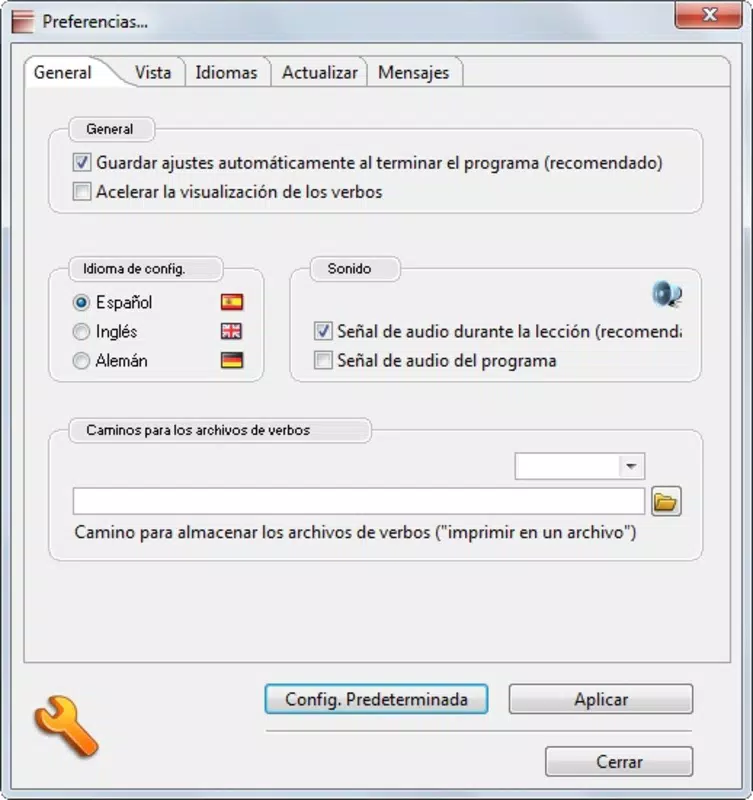
- Multi-Language Support: Flexionizer enables users to practice verb conjugations in three major languages—English, Spanish, and German. This feature allows learners to switch between languages based on their current study focus, supporting multilingual education goals.
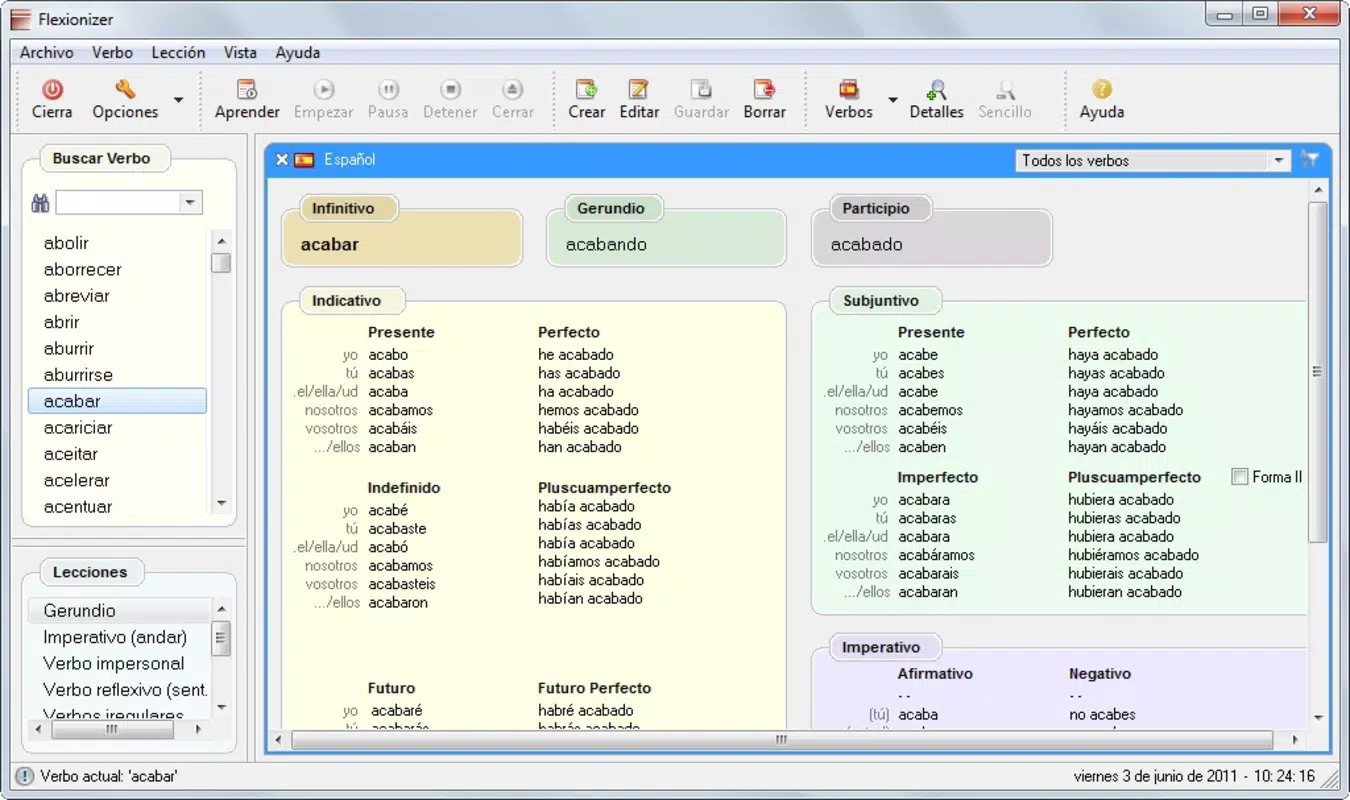
- Extensive Verb Database: The app provides access to a comprehensive list of verbs with full conjugation patterns. Users can search for specific verbs or browse by tense and subject, facilitating both targeted review and broad exposure.
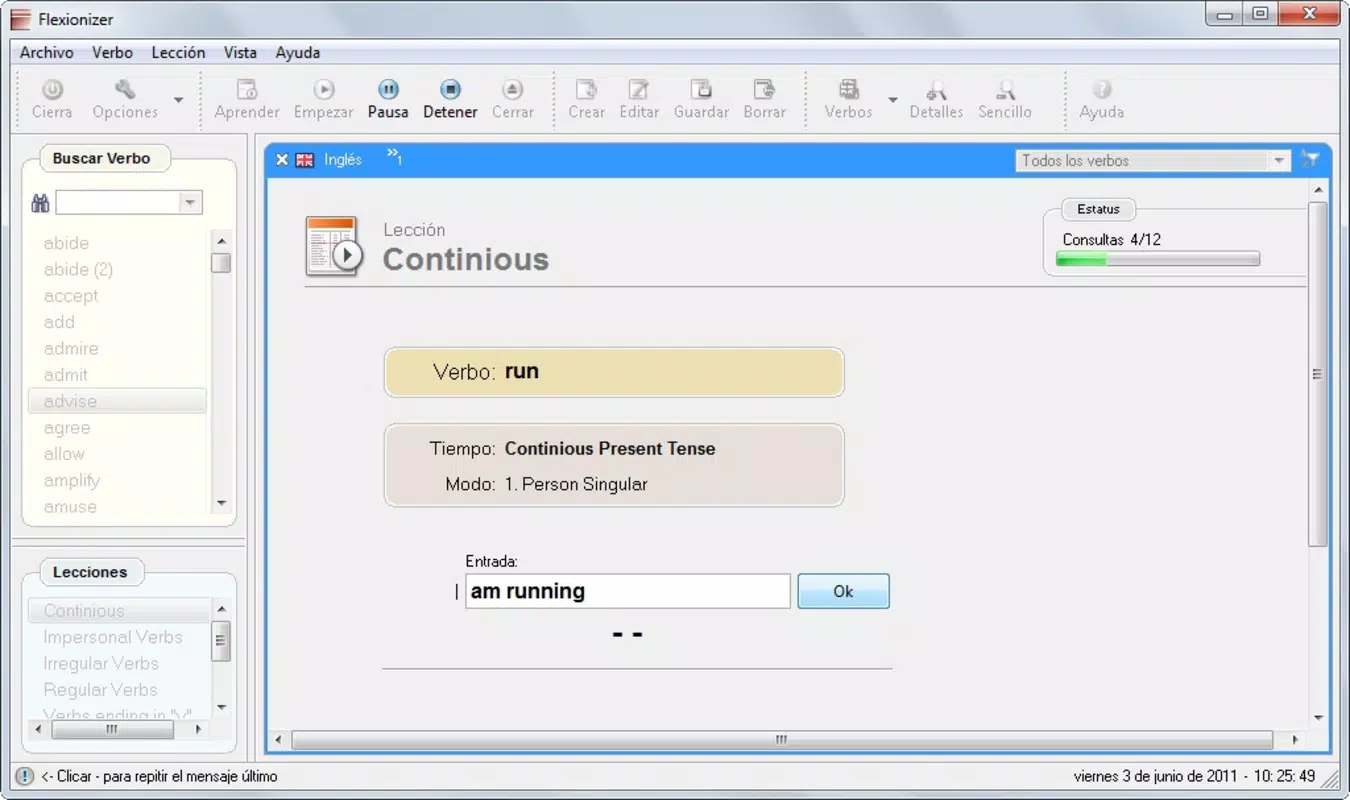
- Skill Testing Options: Built-in testing features allow users to evaluate their knowledge through interactive quizzes. These assessments help identify strengths and areas requiring further practice, promoting active learning and retention.
- User-Friendly Interface: The application features an intuitive layout that simplifies navigation. Users can quickly select a language, choose a verb, and access conjugation tables without complex steps or confusing menus.
- Progress Tracking: Flexionizer includes functionality to monitor learning progress over time. This feature helps users set goals, maintain motivation, and visualize improvement through consistent use.
For example, a Spanish learner can select the verb “hablar” and immediately view its conjugations across present, past, and future tenses. After studying, they can take a test to assess their recall. Similarly, a German student can practice irregular verbs like “gehen” in multiple contexts. These real-world applications demonstrate how Flexionizer supports both foundational and advanced language development.
Interface, UX & Performance
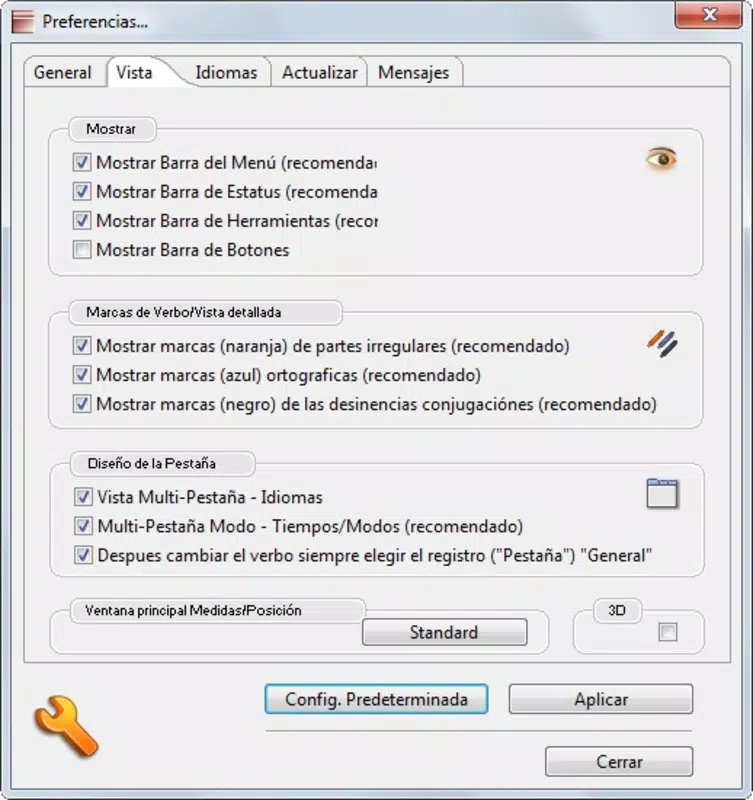
The user interface of Flexionizer is designed with clarity and simplicity in mind, prioritizing ease of access to core functions. The layout organizes language selection, verb input, and conjugation results in a logical flow, minimizing user effort. Visual design elements appear minimalistic, focusing on readability and functionality rather than decorative features.
Navigation is straightforward, allowing users to move between language options, verb lists, and test modes without confusion. Although the developer did not list formal performance metrics, the app’s lightweight size of 15.2 MB suggests efficient resource usage, which typically translates to smooth operation across a range of Android devices. Responsiveness appears to be consistent, with quick load times for conjugation tables and test interfaces.
Stability is likely maintained given the app’s long-term availability, though specific crash reports or update history were not disclosed. Users on older or lower-end devices should experience minimal lag, as the app’s compact size and low system demands reduce the risk of performance issues. Overall, the experience aligns with expectations for a utility-focused educational app, balancing functionality with accessibility.
Platform Compatibility & Technical Requirements
Flexionizer is available exclusively on the Android platform. The current version is 1.0.0, with a file size of 15.2 MB. The developer did not specify minimum OS requirements, nor did they list compatibility details for specific device models or screen sizes.
As such, users should verify functionality on their individual devices, especially if using older Android versions. The app’s lightweight nature suggests broad compatibility with most modern Android smartphones and tablets, but formal compatibility information was not provided. Installation is straightforward via official app stores or direct APK download, though users should ensure they are downloading from trusted sources to maintain security.
The app’s free pricing model makes it accessible to a wide audience, removing financial barriers to entry for learners seeking language tools.
Pros and Cons
Pros
- Supports three major languages: English, Spanish, and German
- Offers a comprehensive verb database for in-depth practice
- Includes interactive testing to assess knowledge retention
- Features progress tracking to encourage consistent learning
- Lightweight design with minimal system resource usage
- Free to download and use
Cons
- Developer did not provide detailed system requirements
- Compatibility with older Android versions is not confirmed
- Interface may appear dated compared to modern app standards
- No mention of cloud sync or cross-device access
- Updates and future development plans were not disclosed
FAQ
Is Flexionizer safe to download?
Yes, Flexionizer is available through official Android channels and is free of known malware. Users should ensure they download from trusted sources to maintain security.
Can I use Flexionizer on iOS devices?
Currently, the app is only available on Android. There is no official iOS version listed.
Does Flexionizer require an internet connection?
The app functions offline after installation, allowing users to access conjugation data and tests without an internet connection.
How often is Flexionizer updated?
Specific update frequency was not provided by the developer. Users should check their app store for the latest version.
Can I track my progress across multiple sessions?
Yes, Flexionizer includes progress tracking features that allow users to monitor their learning over time, even across different usage sessions.
Final Thoughts
Flexionizer stands out as a focused, practical tool for mastering verb conjugation in English, Spanish, and German. Its clear structure, multi-language support, and built-in testing make it a reliable companion for learners seeking consistent, self-paced practice. While the interface may reflect its age and lack modern design refinements, its core functionality remains effective and accessible.
The absence of detailed technical specifications or update history is notable, but the app’s enduring presence suggests reliability and ongoing relevance. For students, educators, and independent language learners, Flexionizer delivers tangible value without cost. It fills a niche in the education app market by concentrating on a single, critical aspect of language learning: verb mastery.
With its lightweight footprint and free access, it remains a smart choice for anyone serious about improving their grammatical accuracy. Download Flexionizer now.


